Poster Maker with Photo Upload
Upload your photo to a prepared poster and download a personalised result. Shared Clip Mask templates work in your browser without an attendee signup or an installed editing app.
Browse i am attending templatesHow does it work?
Clip Mask is a browser tool that lets people add their photos to a design prepared by a template creator. The creator controls the surrounding artwork and shares one link; each participant chooses the portrait that appears in their own image.
- Open a template. Choose a design from the template directory or follow the link your organiser sent. Check that the event and wording match what you want to share.
- Upload and position your photo. Select a clear portrait and adjust its position within the prepared photo area. Review the whole poster so important details and your face are visible together.
- Download and share. Save the finished image, then attach it to a post or message in your preferred app. Add a personal caption and check the destination’s crop before publishing.
How does a poster maker with photo upload work?
The template creator uploads artwork and marks the areas where another person’s photo should appear. The rest of the poster remains part of the original design. When you open the shared link, you supply a photo, position it in the available area and check the result before downloading. This is useful when the goal is to personalise an existing event or campaign design rather than start a poster from an empty canvas. Everyone can use the same visual identity while choosing a portrait of their own.
Do I need to create an account?
Attendees can open a published shared template and personalise it without registering. Creators sign in to upload artwork, define the photo areas and manage their templates. Those are two different parts of the workflow, so a no-signup poster generator for participants still has creator plans and usage allowances. A template can become unavailable if its creator pauses it or its allowance is reached. Check the plans page for current creator details, and contact the organiser if the link you received is no longer available.
How do I get a useful photo crop?
Choose a photo that leaves room around the subject, especially if the template has a narrow or decorative shape. Position the face within the prepared area, then check the full poster so that the portrait works with the surrounding text. If the original photograph is very tightly cropped, using a different image can produce a better result than forcing it into the space. Download the poster only after checking the preview. Keep a copy locally if you want to use it in several posts or send it through a messaging app.
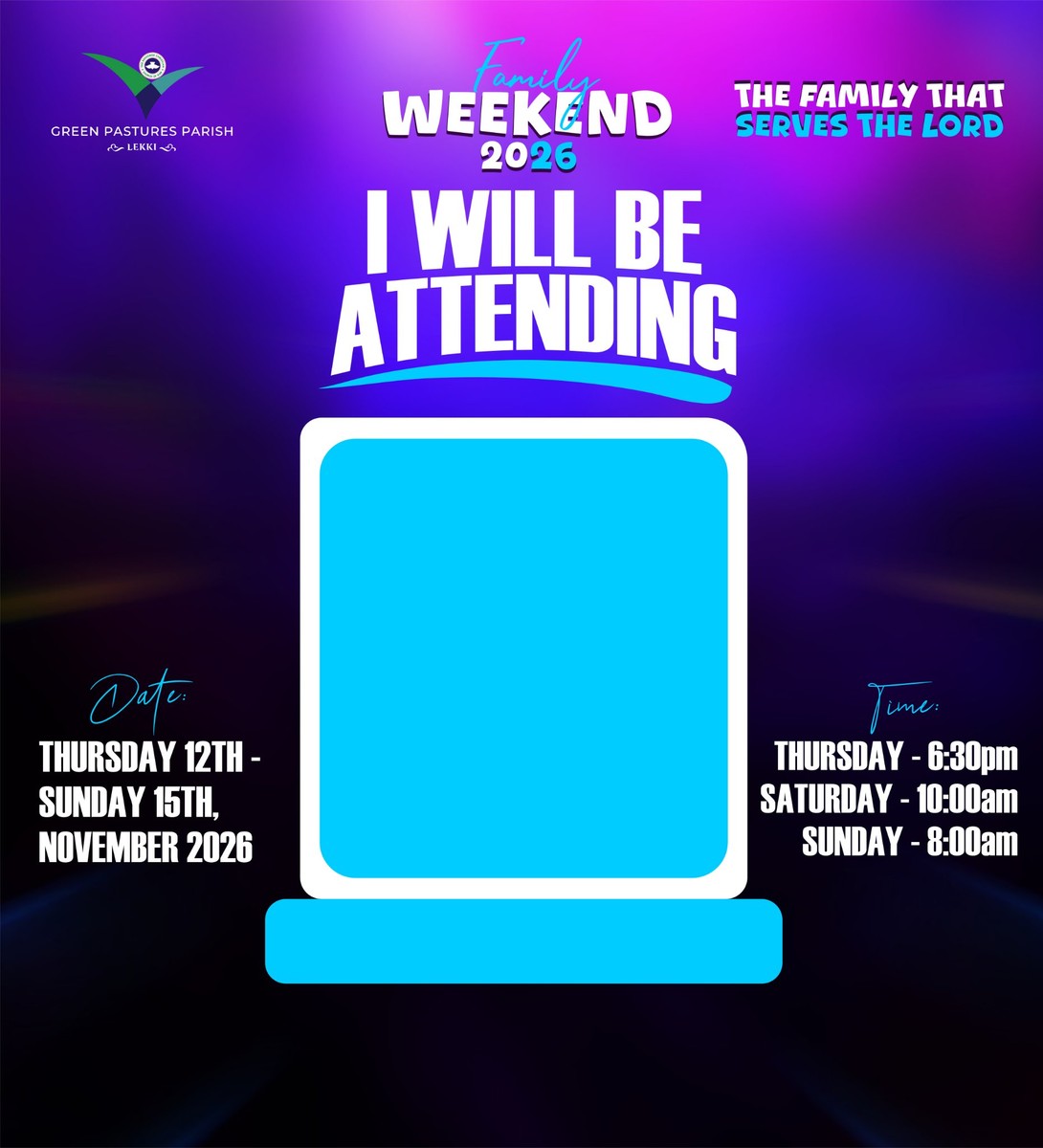
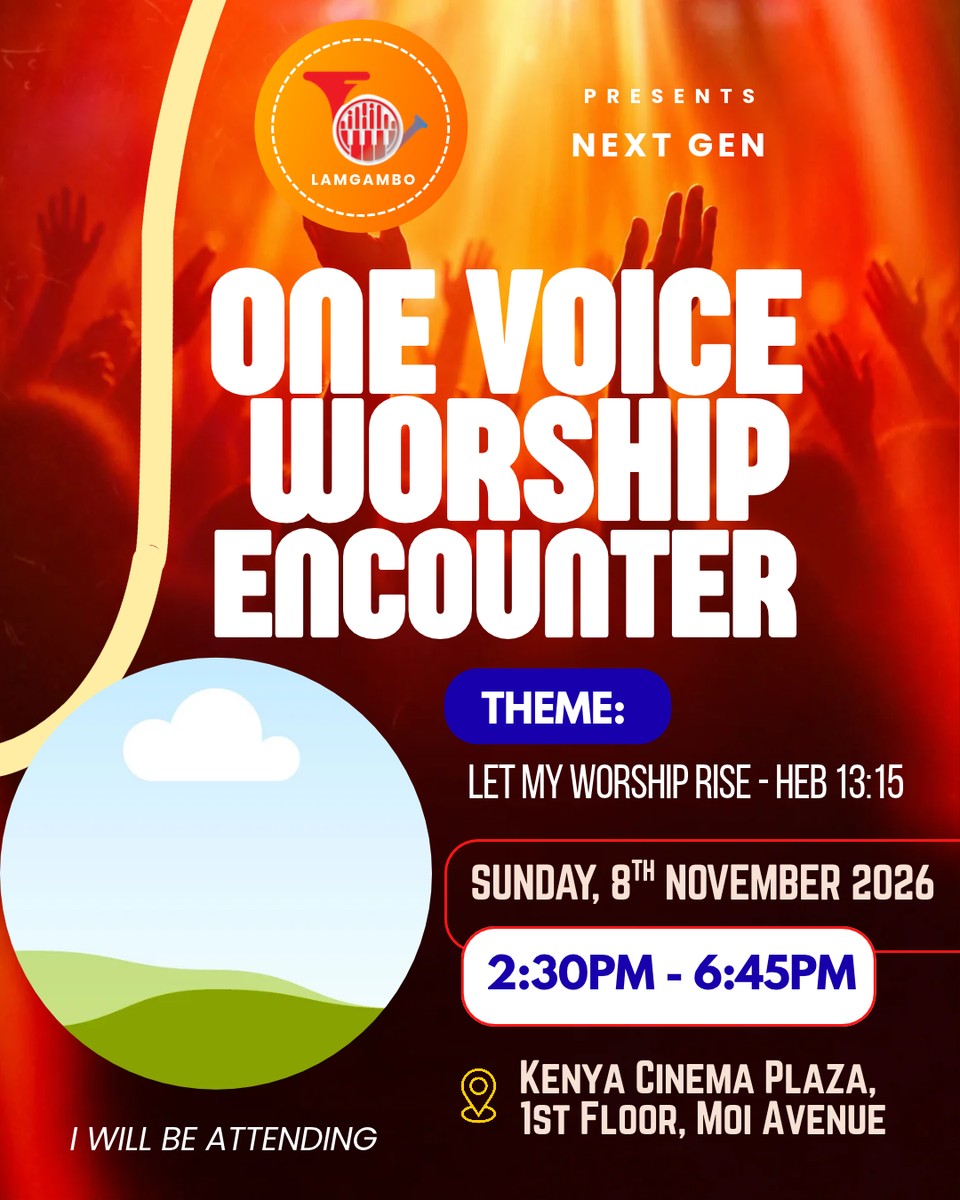
Example i am attending templates
Browse the category →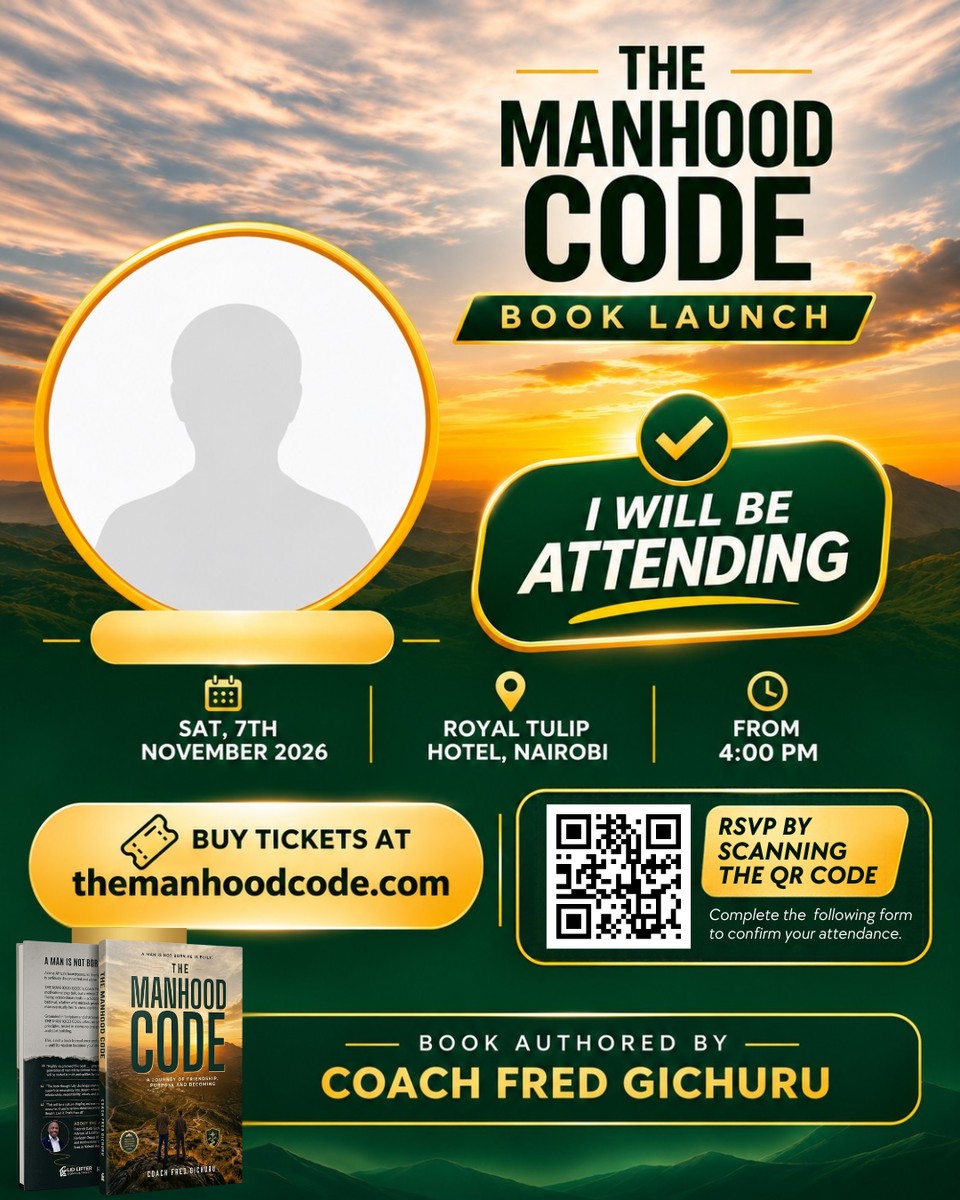

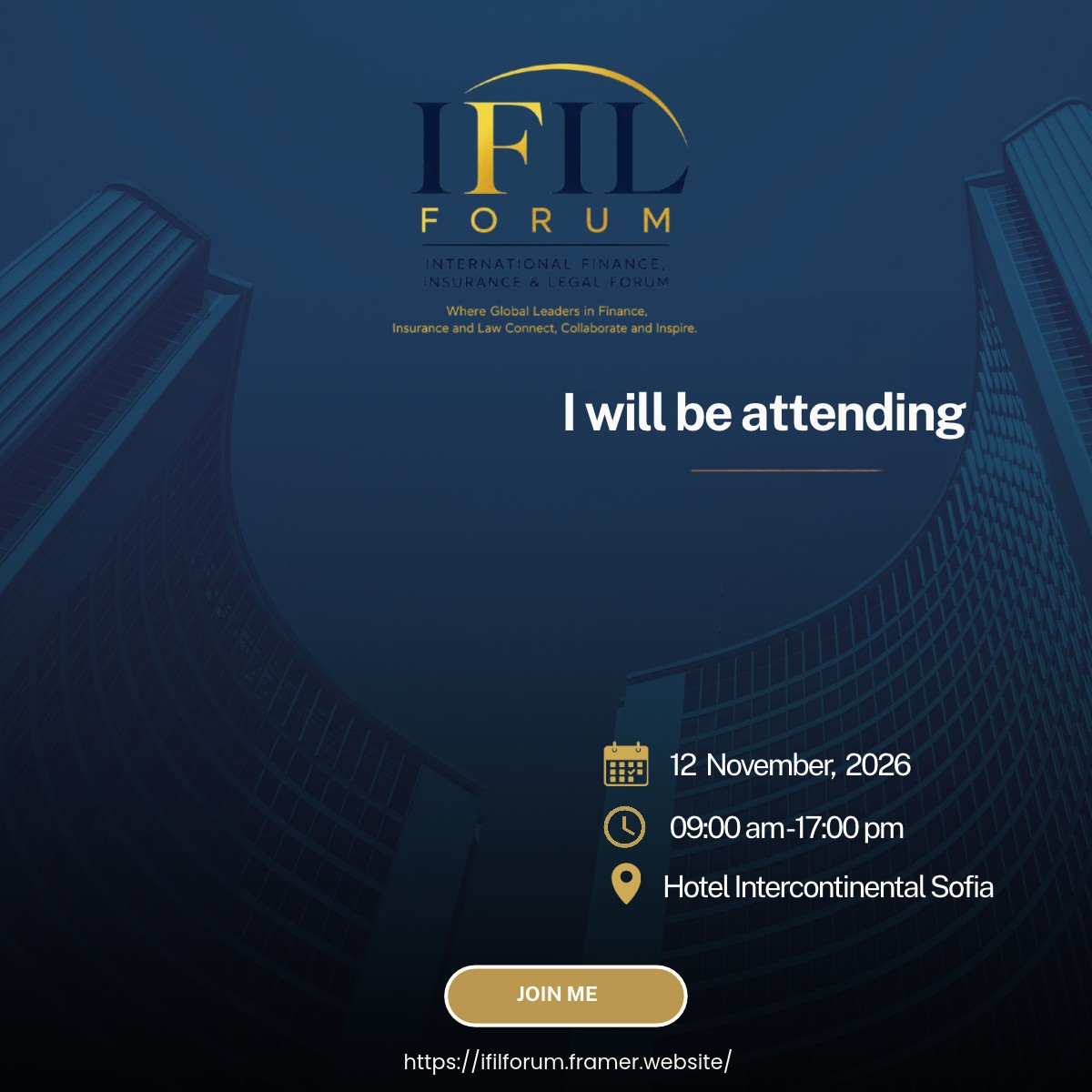
One link for your community
Give participants a straightforward route from invitation to personalised image: one shared link, their own photo and a downloadable result. The design keeps its original branding while people choose how to take part. Creators prepare and manage the template; participants can use it without an attendee signup or an installed editing application. Preview your artwork with different photos before publishing, and keep a plain text invitation available for people who prefer not to share a portrait.
Frequently asked questions
How do I use the poster maker with photo upload?
Open a published template, upload a photo and adjust its position in the prepared area. Check the preview, then download your personalised image. The original artwork around the photo stays in place, so you do not need to recreate the design.
Do participants need to sign up or install an app?
No. Participants can personalise a published shared template in their browser without an attendee account. Creators sign in to prepare and manage templates. Use a current browser and choose a photo that you have permission to upload and share.
Is creating a template free?
Creator allowances and paid packs are described on the Plans page. Personalising a shared template does not require an attendee account. Availability can depend on the creator’s allowance and template settings, so check the current plans before organising a larger campaign.
Can I use my own artwork and branding?
Yes. As a creator, upload your poster artwork and define where participant photos should appear. Keep important text and logos outside the photo area, then preview the design before publishing. Make sure you have permission to use the artwork and any branding it contains.
Does Clip Mask post the finished image for me?
No. Download your result and share it through your chosen app or account. You control the caption and audience. Check the destination platform’s preview because profile pictures, stories and feed posts may crop the same image differently.
What if the shared link is unavailable?
The creator may have paused the template or reached its allowance, or the template may have been removed. Ask the organiser for a current link. Avoid relying on the poster as the only source of event information, and keep the official event page available for updates.
Create your own poster template
Prepare your artwork, mark the photo areas and share one link. See current creator allowances before starting your campaign.