
I am attending poster templates
An I am attending poster gives each participant a personal way to announce an event. Instead of sharing the same flyer, attendees add their own photo to a design that already includes the event identity. Choose a template here, open its link and position your photo in the prepared space. You can then download the finished image and choose where to post it. The shared design keeps the date, venue and organiser branding together while making each announcement recognisable to the person’s friends and colleagues.
For organisers, start with a readable headline and a photo area that works with different faces. Keep essential information away from the edge so it survives common social media crops. Preview the design on a phone before sharing the link with a large group. Include a short message explaining the event and asking participants to check the details on their finished poster. Personalised images help people express an intention to attend; use your separate registration or ticketing process to confirm bookings.

Manhood code
Add your photo →
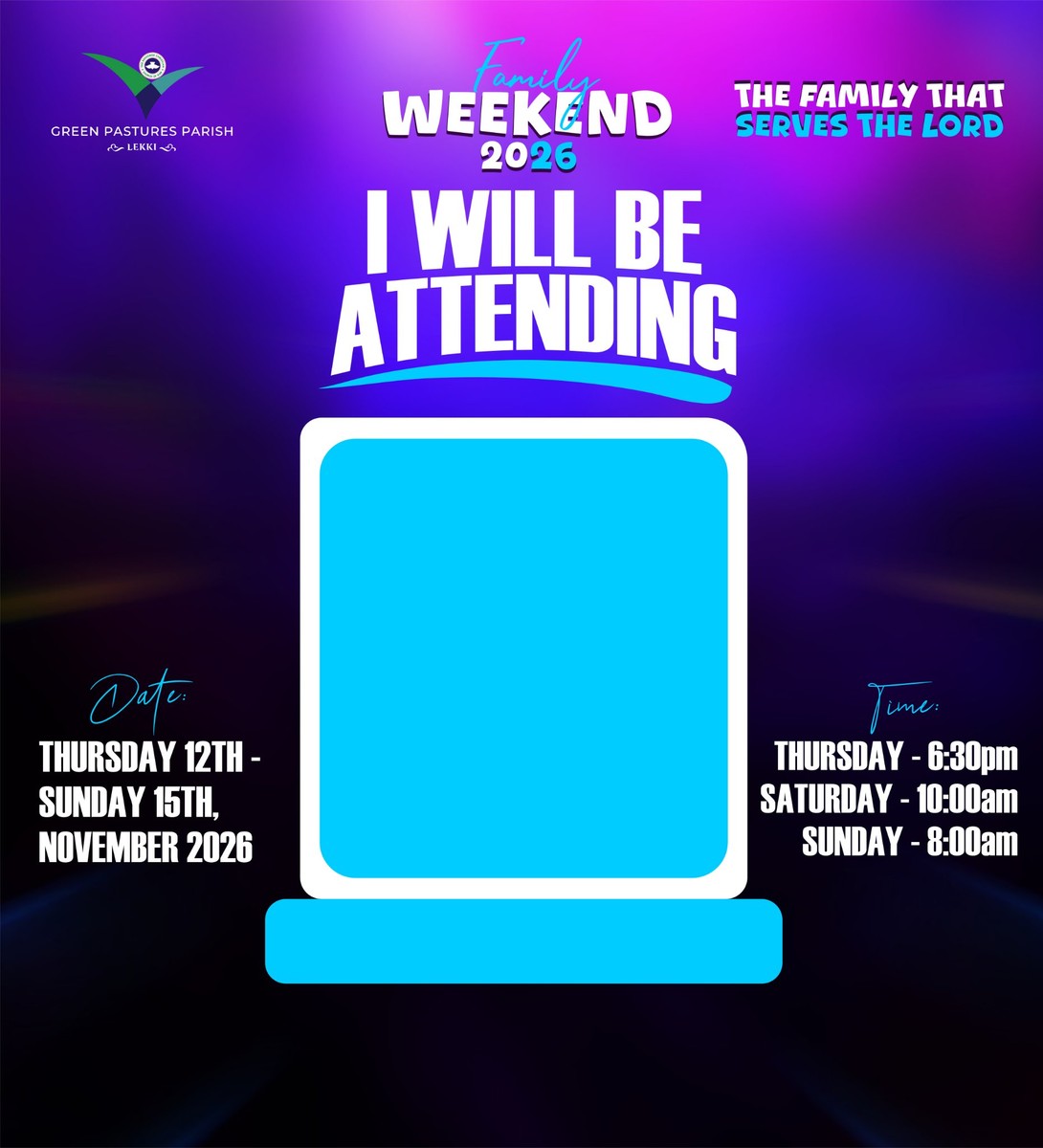
GPP Family Weekend 2026
Add your photo →
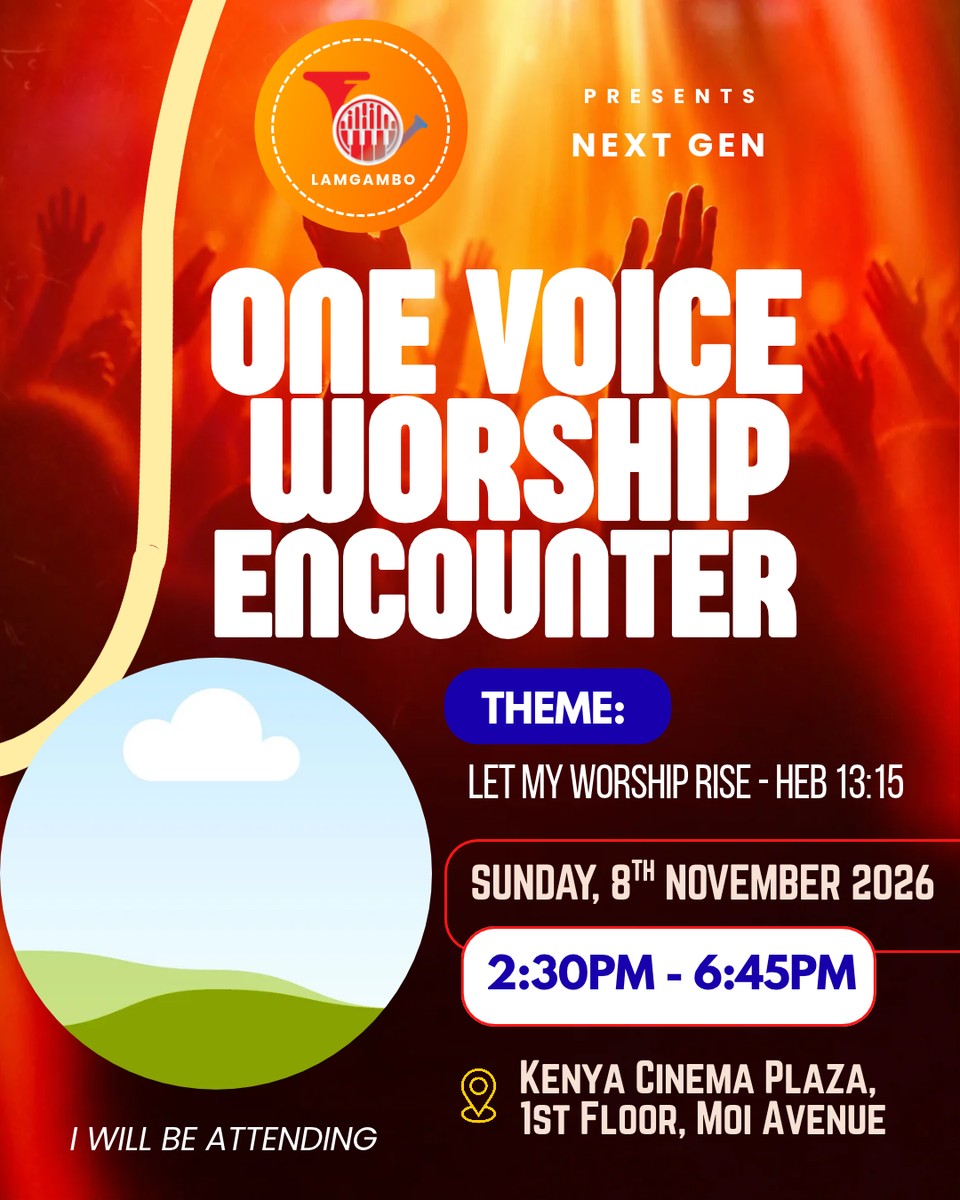
One Voice Worship Encounter 2026 - Attending
Add your photo →

One Voice Worship Encounter 2026 - Ministering
Add your photo →
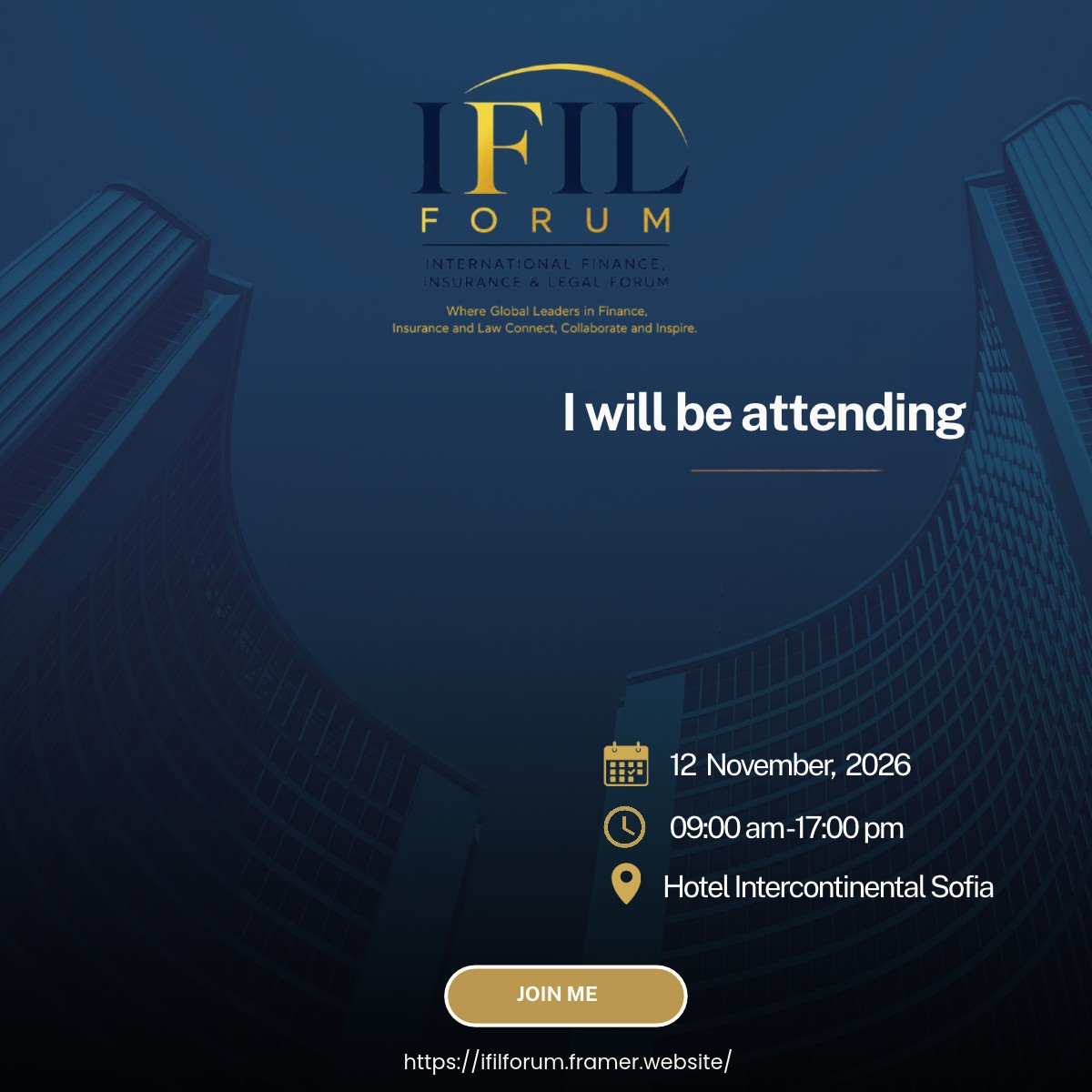
Filka Karalanova
Add your photo →
How do I personalise a i am attending poster?
Open a template, upload your photo, adjust its position and download the result. You can use the shared link in your browser without an attendee account.
Can I create my own template?
Yes. Sign in as a creator, upload your artwork, mark the photo areas and publish a template link. See Plans for current creator allowances.